Mobile App Now Available

Bdajee App — anytime, anywhere Betting & Gaming

Download the official bdajee mobile app and enjoy live Sports Betting, casino games, and fast transactions — all in the palm of your hand.

Android APK iOS supported
bdajee
500+ Games and sports
4.8★ Average rating
1M+ Download
24/7 Live Support
98% Uptime
App highlights

Why bdajee App Going to Use?

Everything the website offers, and more — all in one app

Ultra-fast loading

The bdajee app loads in seconds thanks to optimized code, delivering smooth performance even on a slow internet connection.

Push Notifications

Get instant alerts before a live match kicks off, when odds change, or when new promotions go live.

Fingerprint Login

No more typing your password every time. Log in instantly with your fingerprint or Face ID.

In-app deposit

Make instant deposits via mobile banking or e-wallet right from the app — no hassle at all.

Live Streaming

Stream your selected matches live directly in the bdajee app and place bets at the same time.

Betting History

View your full betting history at any time — wins, losses, and pending bets all in one place.

bdajee
For Android users

Bdajee Android APK Installation

Since most smartphone users in Bangladesh are on Android, the bdajee Android APK has been specially optimized for local devices. Install it in just a few steps and get started right away.

1
Grant Permission in Settings

On your Android phone, go to Settings > Security and enable "Unknown Sources" or "Install unknown apps".

2
Download the APK file

Download the latest APK file from the bdajee website. The file size is only 30–40 MB.

3
Install and log in

Tap the downloaded file to install, then log in with your bdajee account.

Register to Get the APK
bdajee
For iOS users

Bdajee iOSUse on

IPhone and iPad users can add bdajee's mobile-optimized web app to their home screen directly from Safari. The experience is just like using a native app.

1
Open bdajee in Safari

Open Safari on your iPhone and go to bdajee.vu.

2
Tap the Share button

Tap the Share icon at the bottom and select "Add to Home Screen".

3
Add to Home Screen

Confirm the name and tap the "Add" button. The bdajee app icon will now appear on your home screen.

Create an account
Technical Specifications

App's Technical specifications

The bdajee app runs great even on everyday smartphones in Bangladesh

Subject Android IOS / Web App
Minimum OS Version Android 6.0+ iOS 12+
File Size 30–40 MB Browser-Based
RAM required At least 2 GB At least 2 GB
Internet connection 3G / 4G / Wi-Fi 3G / 4G / Wi-Fi
Live Streaming Supported Supported
Push Notifications Supported Supported
Biometric Login Supported Supported
Update process Manual APK Automatic
bdajee
Security Verification
  • All data transfers secured with 256-bit SSL encryption
  • Two-Factor Authentication support
  • Fingerprint & Face Recognition Login
  • Instant account lock on suspicious activity

Bdajee App Detailed Overview

Mobile internet usage in Bangladesh is growing every day. People now spend far more time on their smartphones than on laptops or desktops. With that reality in mind, bdajee built its mobile app with a single goal: to deliver the easiest, fastest, and most enjoyable online gaming experience for users in Bangladesh.

App design and usability

Bdajee designed the app with user experience at the forefront. Right from the home screen, you can see live match listings, popular games, and the latest promotions. Navigation is intuitive enough that first-time users can find every feature without any guidance.

The dark mode interface is easy on the eyes at night or in low-light conditions. With a fully localized interface, bdajee feels right at home on your device.

Live Betting Experience

Live betting is bdajee app's most popular feature. Real-time odds updates, live scores, and bet placement are all available on a single screen. In cricket, odds update after every ball; in football, they shift with every corner or goal. This real-time experience is what sets the bdajee app apart.

In-app payment system

Payments on the bdajee app are simple and secure. Deposits can be made easily via mobile banking services and various e-wallets, and the same methods apply for withdrawals. The entire payment process is SSL-encrypted, keeping your financial information completely safe.

Game library

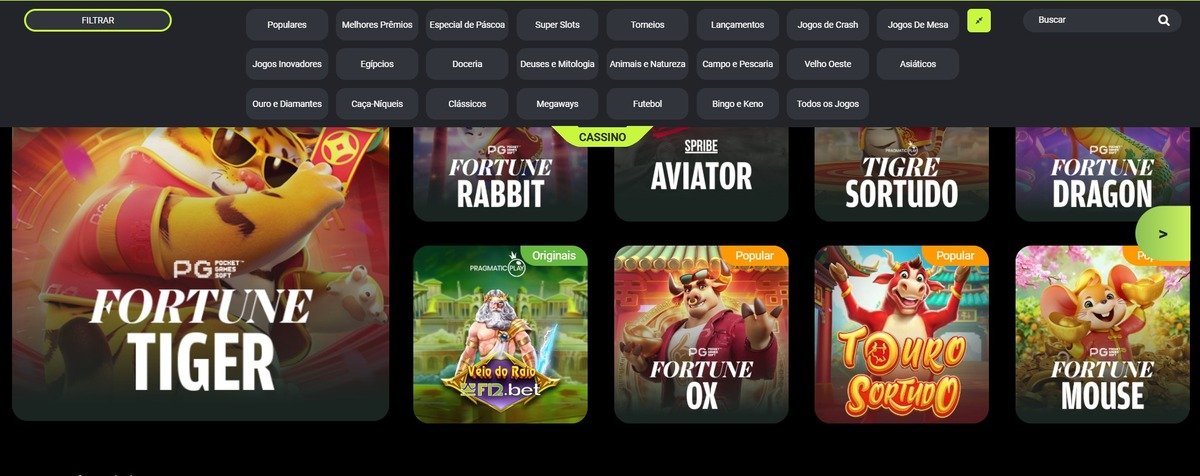
The bdajee app offers a massive library of over 500 games. The Sports Betting section covers cricket, football, tennis, badminton, kabaddi, and dozens more. The Live Casino section features baccarat, blackjack, roulette, and many other games with professional dealers. The slots section has over 300 titles, updated regularly.

App updates and maintenance

Bdajee regularly updates its app to add new features and fix existing bugs. Android users receive a notification when a new update is available and can update with ease. iOS users are always on the latest version automatically since they use the web app.

Battery & Data Friendly

Many gaming apps drain your battery and data quickly. The bdajee app is specially optimized to minimize battery consumption. Using Data Saver mode reduces mobile data usage even further — a real advantage for mobile internet users in Bangladesh.

Dark mode and customization

The bdajee app offers multiple display options including a default dark mode. You can customize notification settings to choose exactly what updates you receive, and save your favorite sports or games for quick access.

App highlights

  • Works on both Android and iOS
  • Full Interface in Bangla
  • Real-Time Live Scores & Odds
  • In-app mobile banking deposit
  • Secure Fingerprint Login
  • Data Saver mode available

App download bonus

Make your first deposit through the app and receive an exclusive app-only bonus.

150% App welcome bonus
Get it now

Quick Navigation

User Reviews

What are they Saying?

"Ever since I installed the bdajee app, I haven't needed to visit the website. Live betting runs really smoothly and notifications come through right on time. Works great on Android."

that
Tanvir Ahmed Rajshahi

"I added bdajee to my home screen via Safari on iPhone and it feels just like a native app. Deposits and withdrawals are all handled from within the app — very convenient."

No
Nafisa Hossain Dhaka

"I always keep the bdajee app open during cricket matches. The push notifications are super useful — they alert you instantly when a wicket falls or the run rate shifts. Perfect for placing bets at exactly the right moment."

Min
Mizanur Rahman Khulna
Frequently Asked Questions

App Q&A

Yes, the bdajee app is completely free to download and install. Android users can download the APK file directly from the bdajee.vu website. iOS users can add the web app to their home screen for free via Safari. To place bets or play games, you will need a balance in your account.

The bdajee app runs on Android 6.0 and above. As long as your phone has Android 6.0 or newer with at least 2 GB of RAM, the app will run smoothly. On older devices, the live streaming feature may be slightly slower — turning on Data Saver mode will help maintain better performance.

Yes, all transactions made through the bdajee app are completely secure. We use 256-bit SSL encryption, the same standard used in banking, to protect your data. Your payment details and mobile banking PIN are never stored on our servers. Enabling two-factor authentication adds an extra layer of protection to your account.

If you run into any issues with the bdajee app, you can reach live chat support directly from within the app. Our support team is available 24/7 and assists in Bengali. Most issues are resolved within minutes. You can also contact us by email.

Today bdajee App Register to Receive

Create an account and get your APK download link instantly. Join millions of players across Bangladesh.

বাংলা